Everything the booth needs.
Ignite is a Mac app that brings the runsheet, the live service and your show control together. Here is what is inside.
Plan the service your way
Start from your Elvanto plan or a blank page. Each element can carry as much or as little detail as the team needs.
- Paste in a plan, open a text, CSV or JSON file, or start from a template
- Songs with key, leader, colours and tags; any element can have notes, details and attachments
- Attach files, links, or items from your own Library to any element
- Several services per runsheet (9am, 10am, 11am) with their own statistics
- Song Bank: keep songs, artists and files to reuse in later runsheets
- Changes view: see what others added, changed or removed since you last looked
A tracker you can read from across the room
Press Start and Ignite becomes the one place everybody looks.
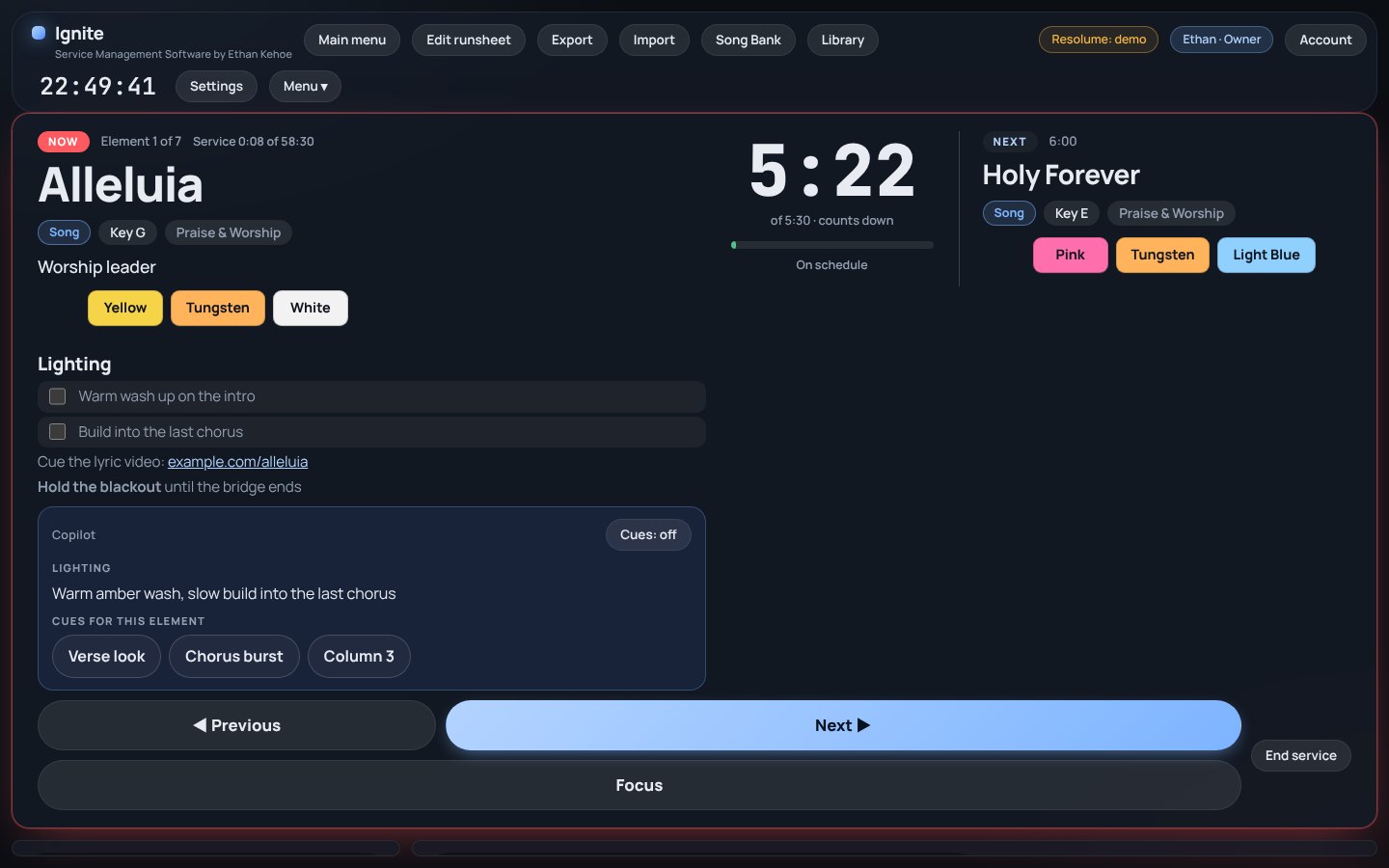
- Big Now and Next with a countdown for every element that turns red when over
- Ahead or behind schedule, shown live
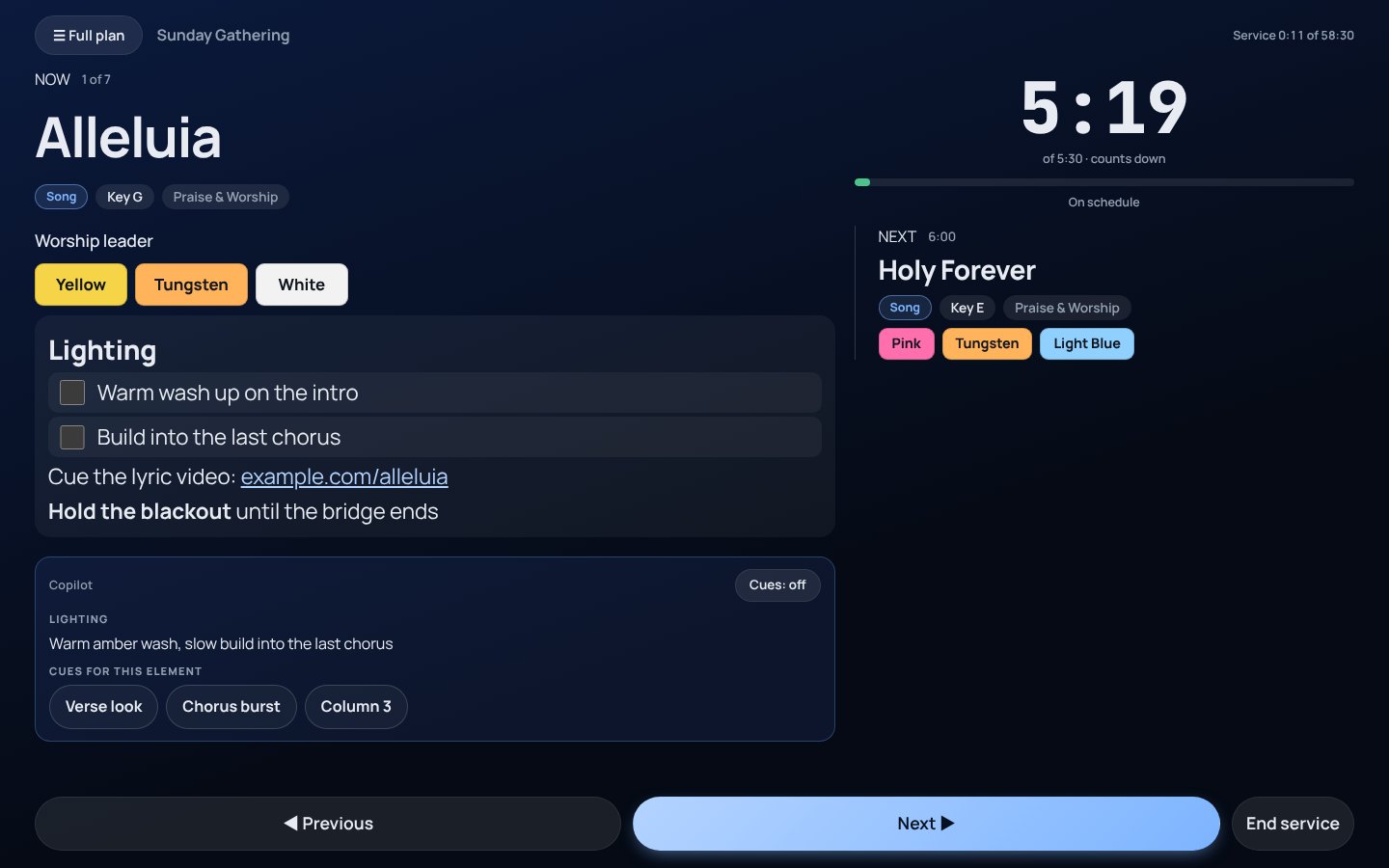
- Live view and Focus view, so the controls are never buried under the plan
- Formatted notes: # headings, checklists, bullets, bold and links
- Viewers and guests can end a service; only editors and admins start it
- When a service ends: FINISHED, Service Complete, and a statistics report
Surfaces the right thing at the right time
Give any element lighting notes and cue buttons. They appear under Now when the runsheet gets there.
- Lighting notes and Resolume clip or column cues per element
- A heads-up for the next element, so you can get ready
- Cues stay off until the operator switches them on, and only fire when pressed
- Linked media and references show up next to the cues
Plan beyond next Sunday
Join individual services into a longer arc.
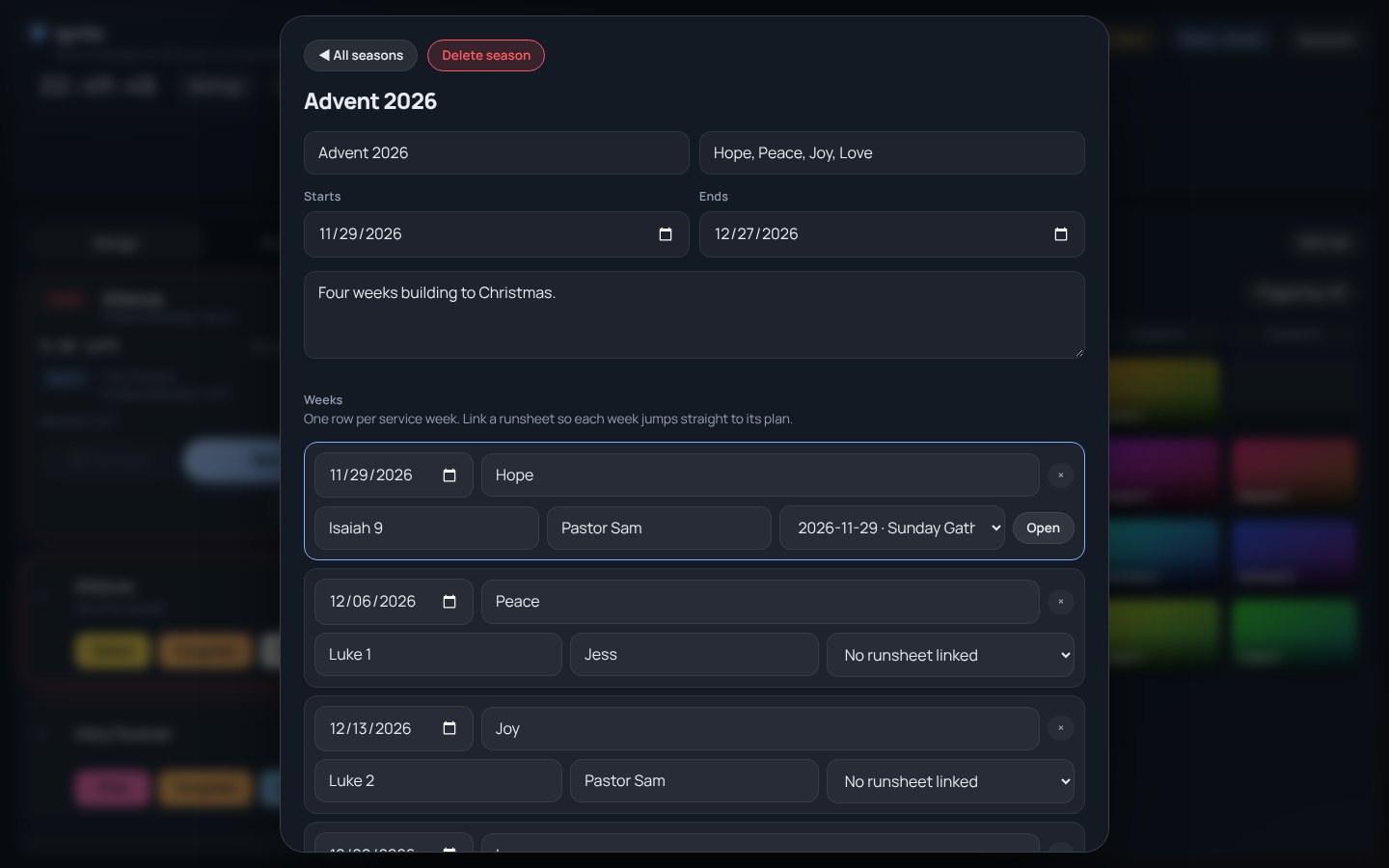
- Seasons with a series theme and the big picture
- A row for every week with title, passage, speaker and a linked runsheet
- Key dates, recurring events (weekly, monthly, yearly) and reusable media links
- Editors and admins edit; everyone can read
Find that look from last Easter
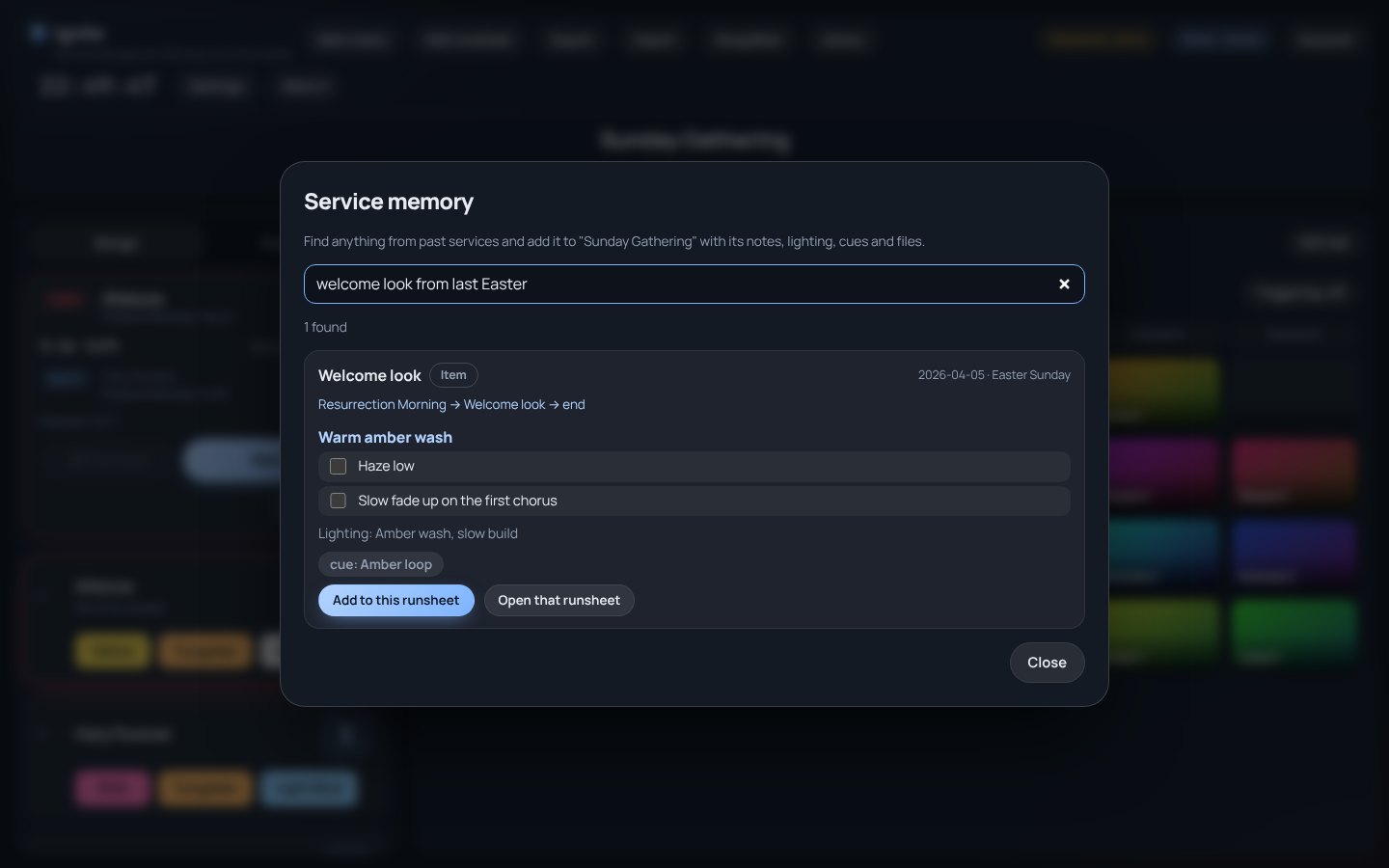
Search every past runsheet by title, notes, lighting, files, colours, leader, or a month.
- Results show what came before and after each element
- Add it to the open runsheet with its notes, lighting, cues and files
- Try “welcome look from last Easter” or “transition in June”
People with similar roles, working together
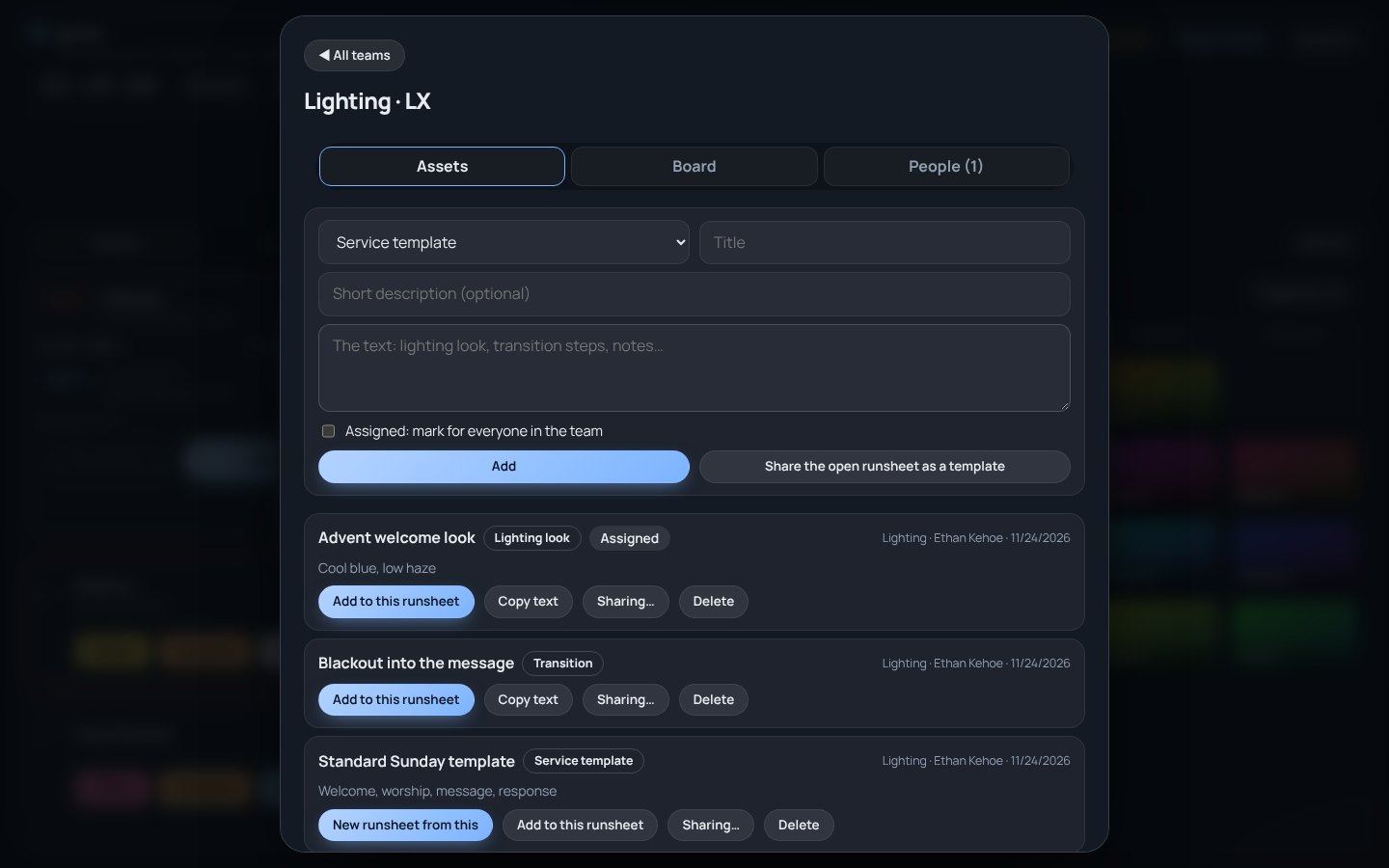
Create teams like Lighting (LX), Sound or Visuals. Teams share notes and assets, and a Leader or Admin can assign things so everyone in the team sees them, Viewers included.
- Share service templates, lighting looks, transitions and event formats
- Keep assets private to the team, publish them to everyone, or share with other teams
- A message board for each team
- One tap to share the open runsheet as a template
The right access for everyone
Sign up with an emailed code. Until you sign in you are a Guest. Accounts are optional: Ignite works on one Mac without them.
| Can do | Viewer | Editor | Leader | Admin | Owner |
|---|---|---|---|---|---|
| Follow the service, trigger Resolume, end a service | ✓ | ✓ | ✓ | ✓ | ✓ |
| Edit song details, colours and notes | ✓ | ✓ | ✓ | ✓ | ✓ |
| Edit the plan and start the service | – | ✓ | ✓ | ✓ | ✓ |
| Add to Teams and the cloud Library | – | ✓ | ✓ | ✓ | ✓ |
| Move people between Viewer and Editor, create Teams | – | – | ✓ | ✓ | ✓ |
| Create and delete runsheets, change settings | – | – | – | ✓ | ✓ |
| Manage every role and remove people | – | – | – | – | ✓ |
The details that matter on a Sunday
Resolume control
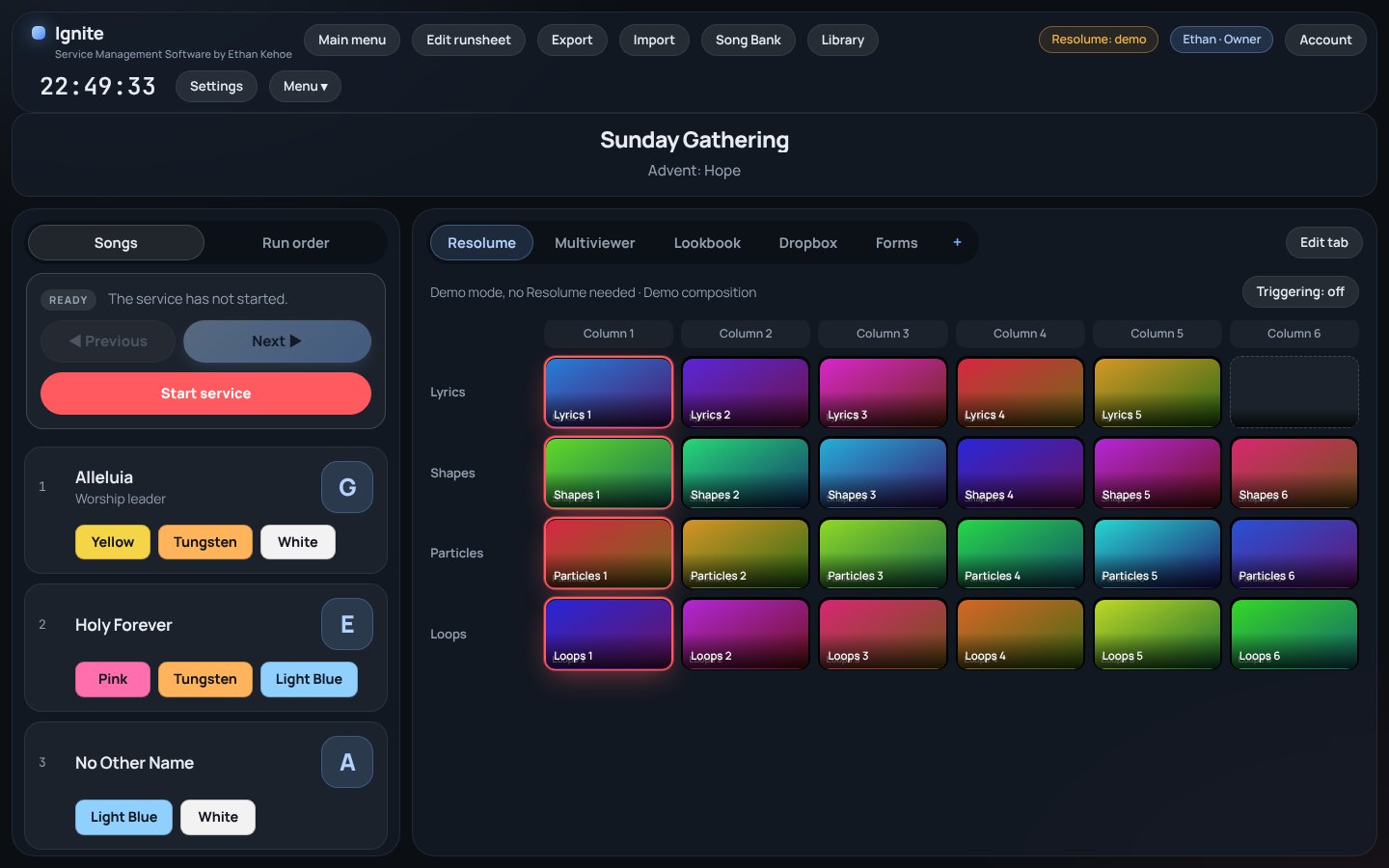
Clip and column grid with a Triggering failsafe, a multiviewer, and a demo mode if Resolume is not handy.
Export
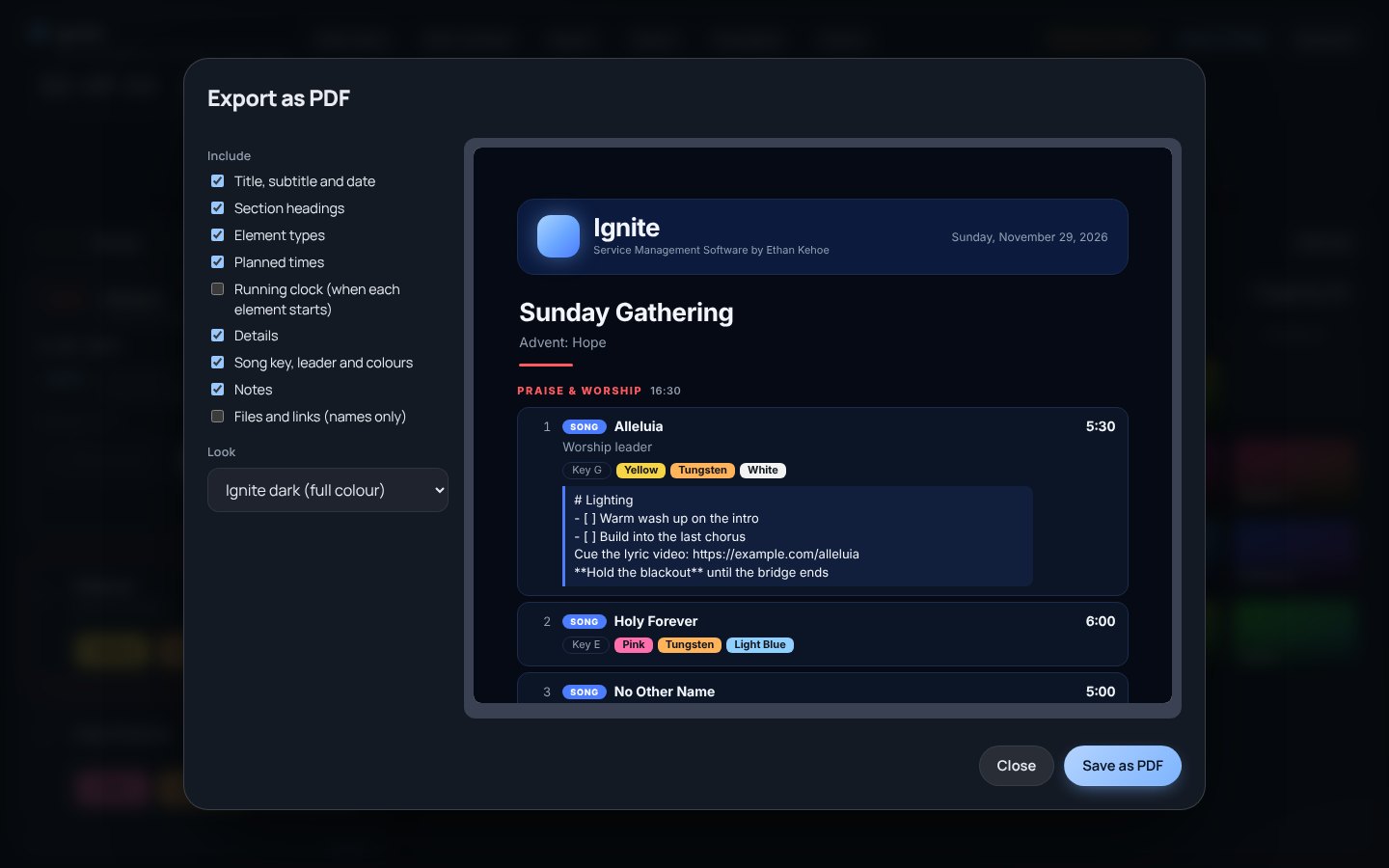
One Export button: a .ignite file with song files and lookbook, or a branded PDF with a live preview and your choice of details.
Library
Your files and folders on this Mac, plus an optional shared cloud library with folders for signed-in editors and above.
Lookbooks
Build lookbooks and share links so people without Ignite can see them.
Any device
Let tablets and other computers on your network follow the service live.
Works offline
Runsheets, songs and settings are saved on your Mac. No internet needed to run a service.